Free · macOS 26+
A player that gets out of the way.
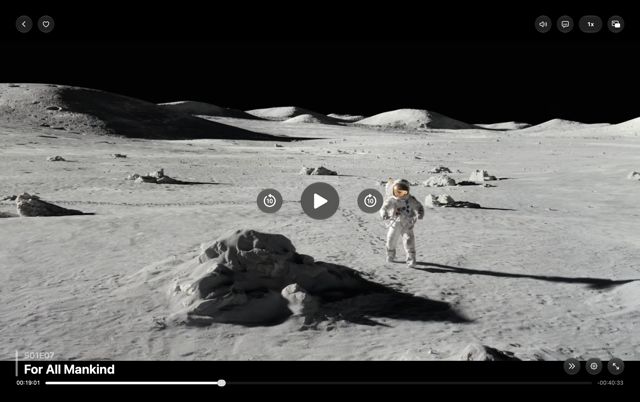
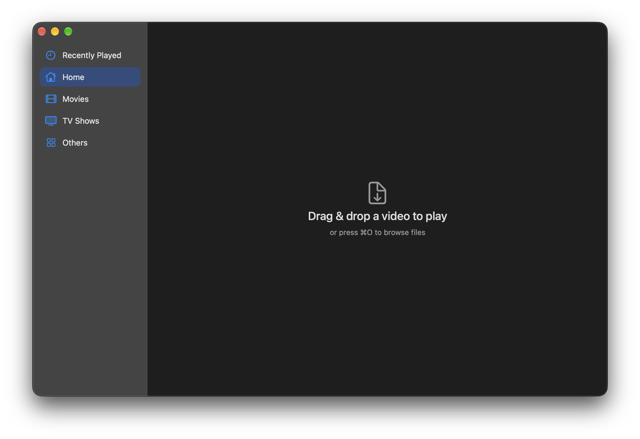
Vidp is a native Mac video player built on libmpv. Drag a file in, or open it from Finder. Everything is a keystroke away, and nothing gets between you and the film.
brew tap vidplabs/vidp
brew install --cask vidpInstall details and the no-Homebrew route below.
Install
With Homebrew
Recommended — and the update path that just works.
brew tap vidplabs/vidp
brew install --cask vidp
You don't have to upgrade this yourself — Vidp checks for updates on launch, and from the Vidp menu. It downloads, verifies and installs in place.
Prefer brew? brew update && brew upgrade vidp does the same thing.
Without Homebrew
Grab the .app straight from Releases.
Download for macOS- Unzip it and drag
vidp.appinto Applications - Launch it, then drop a file on the window
xattr -dr com.apple.quarantine /Applications/vidp.appScreens


Everything it does
Plays nearly anything
mp4, m4v, mov, mkv, webm, avi — anything libmpv can.
Opens from Finder
Double-click a file, or set Vidp as the default player.
Skip in 10s or 30s
Shift makes it 30. No progress bar hunting.
Adjust playback speed
Slow down or speed up with 0.5x, 1x, 1.5x and 2x controls.
Picture in Picture
Float it in a corner and keep watching.
Subtitles your way
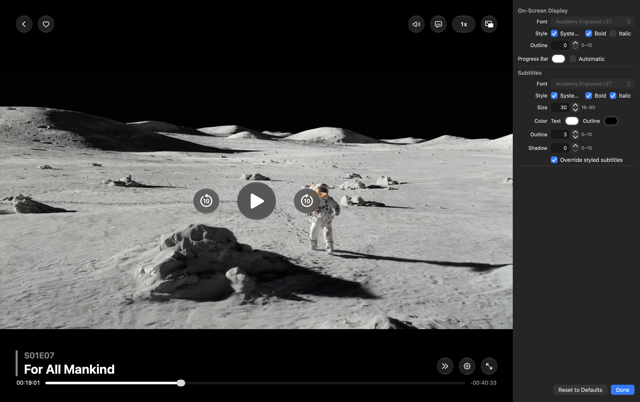
Font, size, colour, outline and shadow, all yours.
Self-contained
Ships its own libmpv and FFmpeg — no brew install mpv.
Self-updating
Checks GitHub, verifies the download, installs in place.
Now Playing
Hands off to the macOS Now Playing controls and media keys.
Questions
Is it really free?
Yes. The source is on GitHub; see the license notices for the version you use. No account, no trial, no upsell.
Does it need mpv installed?
No. Every build bundles its own libmpv and FFmpeg, so it runs on a Mac that has never heard of Homebrew.
Which Macs does it run on?
See the macOS requirement above. Prebuilt releases are Apple Silicon. Intel users can build from source.
Why won't the downloaded app open?
It isn't notarized, and macOS 15 and later removed right-click →
Open, so the popup only offers Done / Move to Bin. Run
xattr -dr com.apple.quarantine /Applications/vidp.app
once and it opens.
How do the keys work?
Space plays and pauses, ← and → skip 10 seconds, ↑ and ↓ set the
volume, f goes full screen, p opens
Picture in Picture, and ⌘, opens the right-hand
Settings sidebar without pausing playback.
Where does my data go?
Nowhere. Resume positions and recent files stay on your Mac, and nothing is uploaded anywhere.